Most gamers need 8GB of VRAM for 1080p, 12GB for 1440p, and 16GB for 4K or heavy ray tracing, though the safe answer depends heavily on how long you plan to keep the card and which specific games you play. Priya Raghunathan, GPU & CPU Analyst at gamingpchardware.com, tracks VRAM allocation on an instrumented bench with per-rail power logging across current releases, and the trend over the past several years has been a steady climb in what games request, which is why the “enough for now” answer and the “enough for three years” answer are often different numbers entirely.
Our Top Picks



Top 3 picks at a glance
What VRAM actually stores during gameplay
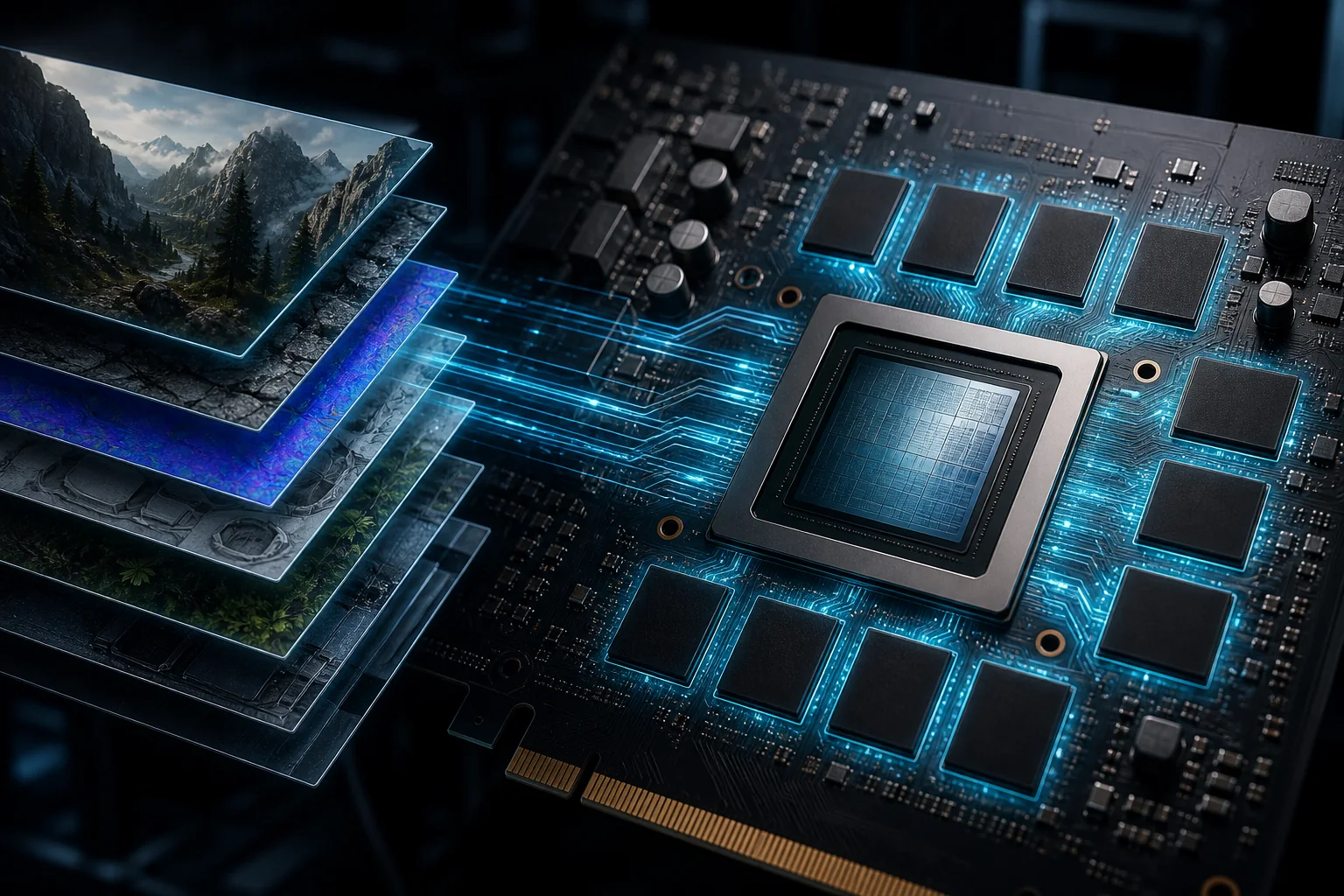
VRAM holds the data a GPU needs immediate access to while rendering: texture files, geometry data for 3D models, shadow maps, frame buffers, and increasingly, data structures used by ray tracing and upscaling technologies like DLSS. This is distinct from system RAM, which handles game logic, AI, and other CPU-side work.
As an Amazon Associate we earn from qualifying purchases at no extra cost to you.




When a scene needs more data than fits in VRAM, the system falls back to pulling data from system RAM over the PCIe bus, which is dramatically slower than the GPU’s dedicated memory. This fallback is what causes the stutter and texture pop-in associated with running out of VRAM — the GPU is waiting on a much slower data path than it’s designed to use.
Texture resolution is the single biggest driver of VRAM demand in modern games. A texture pack labeled “ultra” or “4K textures” in a game’s settings menu can require two to four times the VRAM of the “high” setting for a relatively small visual improvement at typical viewing distances, which makes texture quality the first setting worth adjusting if you’re VRAM-constrained.
Ray tracing adds its own VRAM overhead on top of standard rendering, since it requires additional data structures (bounding volume hierarchies) to calculate light bounces accurately. This overhead means a card that’s borderline on VRAM at standard settings can become genuinely short on memory the moment ray tracing is enabled, even without a resolution change.
Anti-aliasing and resolution scaling technologies also factor in: rendering at a higher internal resolution before upscaling down, a technique some games use for image quality, temporarily increases VRAM demand during that render step even if the final displayed resolution is lower.
VRAM requirements by resolution
At 1080p, most current AAA titles at high settings use between 5GB and 7GB of VRAM, comfortably fitting within an 8GB card in the large majority of cases, though a handful of recent releases with unusually large texture packs push closer to 8GB even at this resolution, leaving little headroom for future titles.
At 1440p, VRAM usage climbs to roughly 7GB to 10GB at high settings in current titles, which is where 8GB cards start showing real strain, particularly with ray tracing enabled or texture quality set above “high.” This is the resolution tier where the gap between 8GB and 12GB cards becomes most noticeable in practice rather than just on paper.
At 4K, VRAM usage in demanding current titles regularly reaches 10GB to 14GB at high-to-max settings, and can exceed that with ray tracing and texture mods layered on top. This is why 16GB has become the practical target for anyone building specifically around 4K gaming, even though some 4K-capable GPU cores ship with only 12GB.
These figures represent typical demanding current titles rather than every game; competitive esports titles and older games use dramatically less VRAM at any resolution, often under 4GB even at 1440p, which is why a card’s VRAM requirement depends as much on which games you play as which resolution you target.
Our resolution-specific shortlists — best GPU for 1080p gaming, best GPU for 1440p gaming, and best GPU for 4K gaming — factor VRAM capacity into every recommendation rather than ranking cards on GPU core performance alone.
How VRAM demand has grown across generations
Five years ago, 6GB was a reasonable mid-range standard and 8GB was considered generous for 1440p gaming. Current mid-range cards now ship with 8GB as a baseline and 12GB as the more future-proof option, reflecting how much texture and asset quality has grown in that time, largely driven by newer game engines built around high-resolution asset streaming.
Console generations play a meaningful role in this trend, since game developers typically target the memory configuration of current-generation consoles as a baseline, and PC ports inherit those memory expectations. As console memory allocations for graphics have grown, PC VRAM requirements have followed a similar upward trajectory with a lag of one to two years.
This growth pattern matters directly for buying decisions: a card that comfortably handles today’s VRAM demands with room to spare is a safer long-term purchase than one that’s exactly adequate today, since the games released during a typical three-to-four-year ownership window will very likely demand more VRAM than current titles do.
Some game engines have also shifted toward more aggressive VRAM allocation strategies specifically, using available memory more liberally when it’s present rather than optimizing tightly for a fixed budget, which means the practical VRAM ceiling for demanding titles keeps climbing even independent of raw texture resolution increases.
Buyers who kept an 8GB card from a previous generation and are now finding it constrained at settings it handled comfortably a few years ago aren’t seeing hardware degradation — they’re seeing this demand curve play out directly, which is a useful data point when deciding how much VRAM headroom to buy this time around.
VRAM by use case beyond standard gaming
Virtual reality gaming has some of the highest practical VRAM demands relative to its apparent resolution, since VR headsets render two separate views (one per eye) at high refresh rates, and asset streaming for VR titles is generally less optimized than flat-screen equivalents. 12GB is a safer floor for VR than the resolution alone would suggest; see our best GPU for VR guide for headset-specific guidance.
Flight simulators and other titles with extremely long draw distances and detailed terrain streaming, such as Microsoft Flight Simulator, are notorious for high VRAM demand even at modest resolutions, since they’re constantly streaming new terrain, weather and scenery data. Our best GPU for flight simulator guide covers this specific and unusually demanding case in more detail.
Streaming while gaming adds VRAM overhead from the encoding process itself, though this overhead is typically modest (under 1GB) compared to the base gaming VRAM demand, meaning the resolution-based guidance above still applies as the primary factor; see our best GPU for streaming guide for encoder-specific considerations that matter more than VRAM in this use case.
Content creation workloads — video editing, 3D rendering, AI image generation — often demand considerably more VRAM than gaming alone, since these applications frequently load entire project assets or AI models into memory at once rather than streaming data as needed. Anyone splitting time between gaming and creative work should size VRAM around the creative workload’s peak demand, covered in our best GPU for content creation guide.
Esports titles sit at the opposite end: games like competitive shooters and MOBAs are generally VRAM-light by design, since low, consistent frame times matter more to their audience than high-fidelity textures, meaning even 6-8GB cards handle these titles comfortably regardless of resolution. Our best GPU for esports titles guide prioritizes different specs accordingly.
VRAM capacity vs memory bandwidth
VRAM capacity (how much memory the card has) and memory bandwidth (how fast data moves in and out of that memory) are separate specs that both affect performance, and a card can be strong in one while weaker in the other. Bandwidth is determined by the memory bus width (measured in bits) and the memory type and clock speed.
A narrow memory bus, common on some budget and mid-range cards to control manufacturing cost, can bottleneck performance in bandwidth-sensitive scenes even when VRAM capacity itself is sufficient. This is why two cards with identical VRAM capacity, like 12GB, can perform noticeably differently if one has a considerably wider memory bus than the other.
GDDR6X and newer memory standards deliver higher bandwidth per pin than standard GDDR6, which is why some cards achieve strong bandwidth despite a moderate bus width, using faster memory chips rather than a wider physical interface to close the gap.
For most buyers, checking a card’s total bandwidth figure (listed in GB/s in manufacturer specs) alongside its VRAM capacity gives a fuller picture than capacity alone, particularly when comparing cards across different generations or between Nvidia and AMD, where bus width conventions differ.
In practice, reputable manufacturer configurations rarely pair a genuinely mismatched bus width with a given capacity tier, so this factor is more useful as a tiebreaker between two similarly priced, similarly specced cards than as a primary decision driver on its own.
Signs your VRAM is the actual limitation
Stutter specifically during camera pans, fast movement, or scene transitions — rather than a steady, consistent low frame rate throughout — is the clearest symptom of VRAM running short, since it reflects the system scrambling to load new texture data rather than a general lack of rendering power.
Texture pop-in, where nearby objects briefly display low-resolution textures before sharpening a moment later, is a direct symptom of VRAM management struggling to keep pace with what the scene needs, distinct from distance-based level-of-detail behavior that’s a normal, intentional part of most game engines.
A frame rate that drops sharply and doesn’t recover when you increase texture quality specifically, while other settings stay fixed, strongly implicates VRAM as the limiting factor, since texture quality is the setting most directly tied to VRAM consumption compared to shading or geometry-related settings.
Checking in-game VRAM usage displays or a monitoring overlay during the specific moments stutter occurs is the most direct diagnostic: if VRAM usage reads at or very near the card’s total capacity during the stutter, that’s strong confirmation rather than a guess, and if it stays comfortably below capacity, the stutter has a different cause entirely.
Some games display a VRAM warning directly in their settings menu when a chosen configuration exceeds installed memory, which is a useful built-in signal, though it’s worth confirming with an overlay too, since these built-in warnings are sometimes overly conservative or, less often, miss borderline cases.
How much VRAM by budget tier
| Card tier | Typical VRAM | Comfortable use case |
|---|---|---|
| Entry ($150-250) | 8GB | 1080p high settings, esports |
| Mid-range ($300-450) | 8-16GB | 1080p high-refresh, 1440p medium |
| Upper-mid ($500-650) | 12-16GB | 1440p high settings |
| High-end ($750-950) | 16GB | 1440p max, entry 4K |
| Flagship ($1,000+) | 16-24GB | 4K max, heavy ray tracing |
Notice the mid-range tier spans both 8GB and 16GB configurations, since some manufacturers offer higher-VRAM variants of the same core at a moderate price premium — an RTX 4060 Ti is available in both 8GB and 16GB versions, for instance, and the 16GB variant is worth the added cost for anyone planning to keep the card past two years or push settings above “high.”
Buyers on tighter budgets should weigh VRAM against GPU core performance directly rather than assuming more VRAM always wins: a slightly weaker core with generous VRAM outlasts a stronger core that runs short on memory within a couple of years, but a core that’s too weak to hit playable frame rates in the first place isn’t rescued by VRAM capacity alone. Our best budget graphics card and best GPU under 300 guides balance both factors for specific budget tiers.
Buying strategy: how much headroom to pay for
If you replace your GPU every one to two years, buying the minimum comfortable VRAM for your current resolution is a reasonable, cost-effective strategy, since you’ll upgrade again before VRAM demand outpaces the card meaningfully.
If you plan to keep a card for three to five years, which is common for many gaming PC owners, buying one tier above the current comfortable minimum is worth the added cost, since VRAM demand has consistently grown across recent years and that trend shows no clear sign of reversing.
Weigh VRAM headroom against GPU core tier when the budget forces a tradeoff between the two options at a similar price. Generally, prioritize a strong GPU core with adequate (not excessive) VRAM over a weak core with generous VRAM, since a genuinely underpowered core limits frame rate regardless of how much memory sits unused.
Check whether a specific card model offers a higher-VRAM variant at a modest premium before assuming you need to jump a full tier to get more memory — several current GPU families offer exactly this kind of configuration choice within the same core tier.
Our full how to choose a graphics card guide covers the complete buying process including power supply and case clearance checks that matter alongside the VRAM decision covered here.
Common VRAM misconceptions
Assuming VRAM allocation equals VRAM requirement is a frequent misread of monitoring tools: games often allocate more memory than they strictly need when it’s available, simply because unused VRAM provides no benefit sitting idle, so an allocation reading near capacity doesn’t automatically mean the card is actually constrained.
Assuming a card is future-proof forever because it currently handles every game at max settings ignores the clear historical trend of rising VRAM demand — “enough today” and “enough in three years” are different targets, and buying decisions should account for the gap between them based on expected ownership length.
Assuming more VRAM always improves performance, even when a game doesn’t need it, misunderstands what VRAM does: it prevents a specific failure mode (running out of memory) rather than adding baseline performance the way a stronger GPU core does, so a 16GB card with a weak core still loses to a 12GB card with a strong core in most games.
Assuming VRAM problems are the same as GPU core problems leads to the wrong upgrade path entirely — a card constrained by VRAM but with plenty of core performance left benefits from a higher-VRAM variant of a similar-tier card, not necessarily a full tier upgrade in raw GPU power.
Assuming every game reports VRAM usage accurately is also worth questioning, since in-game VRAM displays vary in accuracy between engines; cross-checking with an external overlay tool during actual gameplay gives a more reliable read than trusting a single game’s built-in readout alone.
Frequently asked questions
Is 8GB of VRAM enough for gaming?
For 1080p at high settings in most current titles, 8GB is workable but increasingly tight in newer releases with high-resolution texture packs. At 1440p or with ray tracing enabled, 8GB cards like the base RTX 4060 show stutter and texture pop-in that a 12GB card in the same performance tier avoids, even when the GPU core itself has performance headroom left.
Does more VRAM always mean better performance?
No. VRAM capacity only helps once a game actually needs more than the card provides; a 16GB card with a weak GPU core won’t outperform a 12GB card with a stronger core in a game that only uses 9GB. VRAM prevents a specific failure mode — running out of memory — rather than improving baseline frame rate on its own.
How much VRAM do I need for 4K gaming?
16GB is the realistic comfortable minimum for 4K gaming in current and near-future titles, particularly with ray tracing or texture mods involved. Some current 4K-capable cards ship with only 12GB, which can become a limitation before the GPU core itself is outdated, so checking VRAM specifically at this resolution matters more than at 1080p.
Can I check how much VRAM a specific game uses?
Yes, most games display VRAM usage in their graphics settings menu, and third-party tools like MSI Afterburner’s overlay show real-time VRAM allocation during gameplay. Note that games often allocate more VRAM than they strictly need when it’s available, so allocation numbers can overstate the true minimum requirement somewhat.
Is VRAM capacity or memory bandwidth more important?
Both matter for different reasons: capacity determines whether textures fit in memory at all, while bandwidth determines how fast that data moves. A card can have generous capacity on a narrow bus and still underperform a card with less capacity but a wider, faster memory interface in bandwidth-sensitive scenes.